
Meeting Notes to Flowchart
Paste your meeting notes and get a flowchart showing action items, responsibilities, and next steps. The AI identifies tasks and creates a visual workflow.
Works with meeting minutes from any source—Notion, Google Docs, email. Edit the result and export as PNG, SVG, or PDF.
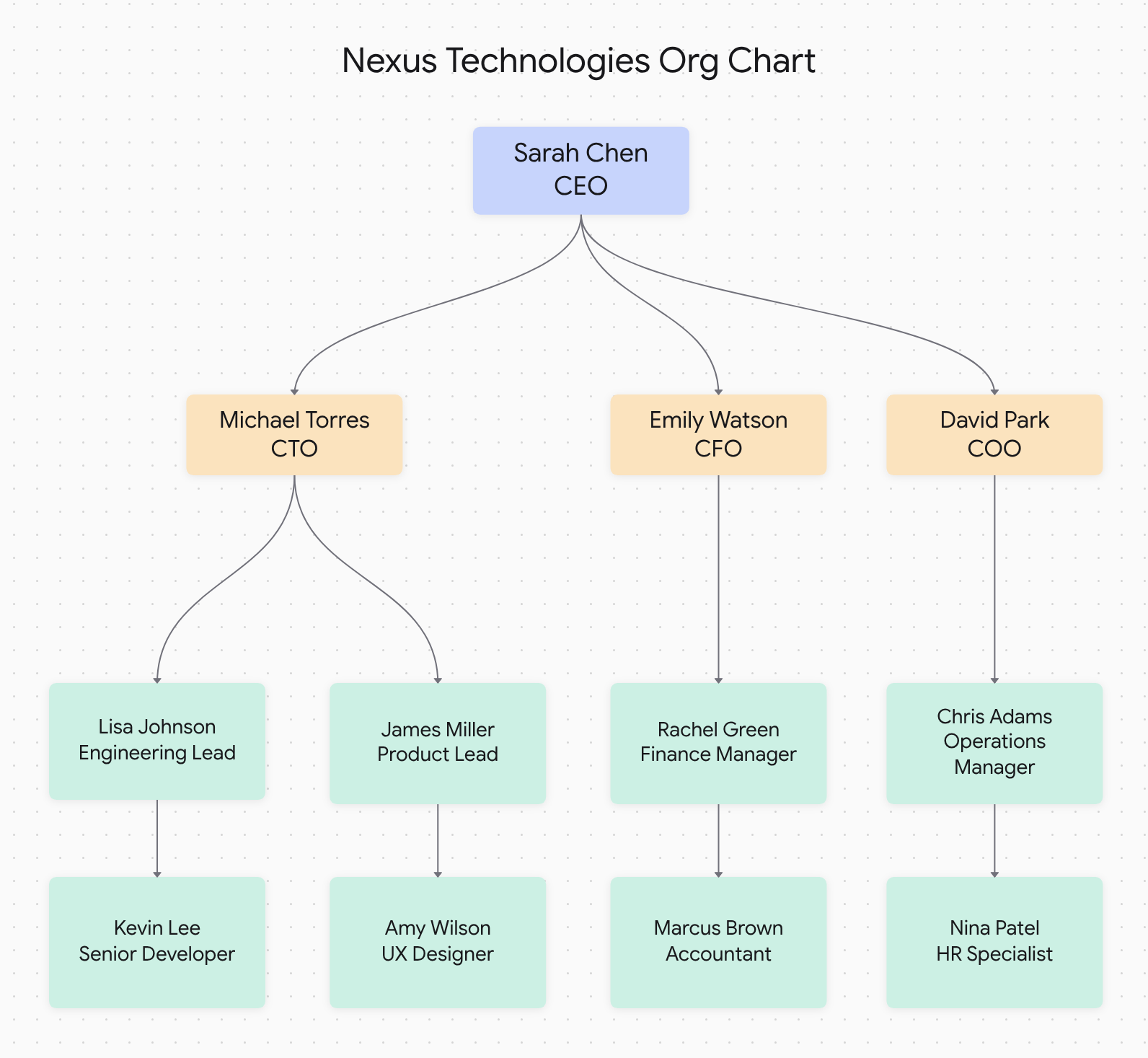
Example: Team structure diagram generated from meeting notes
Paste Meeting Notes
Copy your meeting notes, minutes, or action items and paste directly. No special formatting needed.
Instant Visualization
AI identifies action items, decisions, and workflows to create a clear visual flowchart in seconds.
Clear Action Tracking
Visual flowcharts make it easy to see who owns what, what's next, and how tasks connect.
Why Convert Meeting Notes to Flowcharts?
Transform scattered notes into organized visual workflows
❌ Traditional Meeting Notes
- • Buried action items in long paragraphs
- • Unclear task dependencies
- • Responsibilities get lost
- • Hard to track progress
- • Team members forget assignments
✓ Meeting Notes as Flowcharts
- • Action items visually highlighted
- • Clear task sequence and dependencies
- • Responsibilities shown at a glance
- • Easy progress tracking
- • Visual reference for follow-ups
Meeting Types That Convert Well to Flowcharts
Our tool works great with these common meeting formats
Project Status Meetings
Convert project updates, blockers, and next steps into visual workflows showing task dependencies and responsibilities.
Team Planning Sessions
Transform brainstorming and planning notes into clear action flowcharts with priorities and deadlines.
Decision Meetings
Visualize decisions made, alternatives considered, and action items assigned during decision-making meetings.
How to Convert Meeting Notes to Flowchart
Three simple steps to visualize your meeting outcomes
Copy Meeting Notes
Copy your meeting minutes, notes, or action item list from any source—Google Docs, Word, email, or your notes app.
Paste & Convert
Paste your notes into Docugram. Our AI identifies action items, decisions, owners, and creates the flowchart structure.
Share with Team
Export your meeting flowchart and share with the team. Everyone can see action items and responsibilities clearly.
Benefits for Project Managers and Team Leads
Improve Team Accountability
Visual flowcharts make it clear who owns each action item, reducing "I didn't know that was mine" moments.
Speed Up Follow-Ups
Share meeting flowcharts instead of long meeting notes. Team members instantly see what needs to happen next.
Reduce Meeting Follow-Up Time
Stop spending time reformatting meeting notes. Get a shareable visual summary in seconds.
Meeting to Flowchart Benefits
Meeting Notes to Flowchart FAQ
How do I convert meeting notes to a flowchart?
Simply paste your meeting notes into Docugram. Our AI identifies action items, decisions, and next steps, then creates a visual flowchart showing the workflow. No formatting required—just paste and convert.
Is the meeting notes to flowchart tool free?
Yes! Docugram offers free meeting notes to flowchart conversion. Convert your meeting minutes and get a professional flowchart instantly. For unlimited conversions, check our affordable plans.
What types of meeting notes work best?
Our tool works great with any meeting notes that contain action items, decisions, next steps, or process discussions. Project meeting notes, team standups, planning sessions, and status updates all convert beautifully into visual flowcharts.
Can I share the meeting flowchart with my team?
Absolutely! Export your meeting flowchart as PNG, SVG, or PDF and share via email, Slack, or any collaboration tool. You can also share a link for real-time viewing with your team.
Try it now
Paste your meeting notes and get a flowchart. Free to start — one try with no sign-in, one more when you sign up.
Open the editorExplore related tools: flowchart generator from text, text to workflow converter, and document to diagram.